Gallery
JavaScript Chart Features Back To Categories
User Interactions
JSCharting supports robust interactivity, enabling page level settings to communicate with and modify the chart in real-time. Advanced interactivity features include dynamic legend entries, selection, URL targeting, drill-down and zooming. JSCharting's advanced interactivity can be utilized directly by end users through direct chart interaction as well as by the developer programmatically with JavaScript or page level interactions.
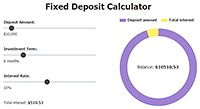
Adjust pie shape elements using a slider UI controls.
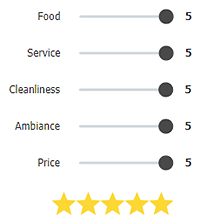
Slider UI controls with a visualization using markers.
Slider UI item with a scale microchart.
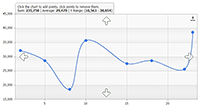
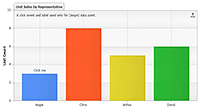
Allows adding and removing data points interactively by clicking on the chart.
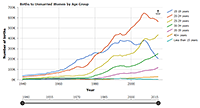
Master detail charts controled with a slider UI item.
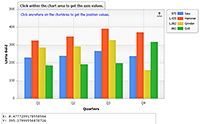
Displays the axis values based on click location within a chartArea .
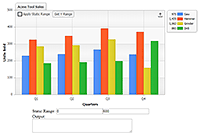
Get and set the axis range dynamically through an interactive UI.
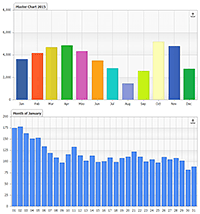
Control a second detail chart by clicking on the master chart.
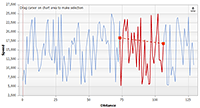
Use selecting events to draw a clipped overlay line series.
Manipulating the axis scale through clicking the chart area.
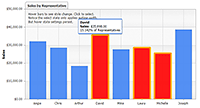
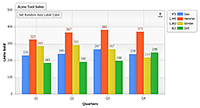
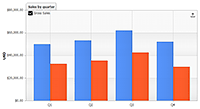
Column series type hover and select states.
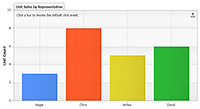
Set a default point click event handler.
Set a point click event for a single data point.
Update axis label in real-time.
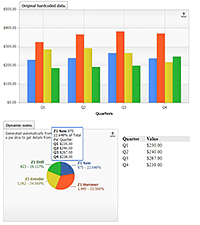
Generates a chart based on data calculations from a different chart.
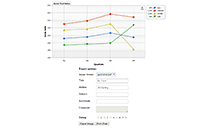
Demonstrates how to export or print a chart programmatically.
Programmatically acquire multiple user selected data points.
Uses the chart to replace tokens in an HTML string template used to show details in an HTML table when hovering a point.
UI dropdown control with morphing svg icons.
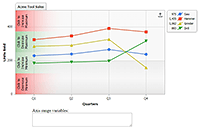
Demonstrates using series legend entry click event and how to suppress the default behavior.
Demonstrates toggling a series visibility programmatically.
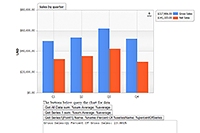
Queries the chart for info by passing a string with tokens and data IDs to get relevant reports.
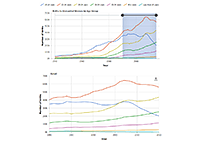
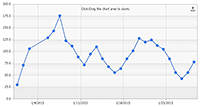
Demonstrates zooming a time series.
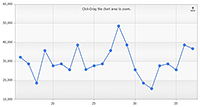
Demonstrates zooming the x axis.
Demonstrates zooming the x and y axes simultaneously.